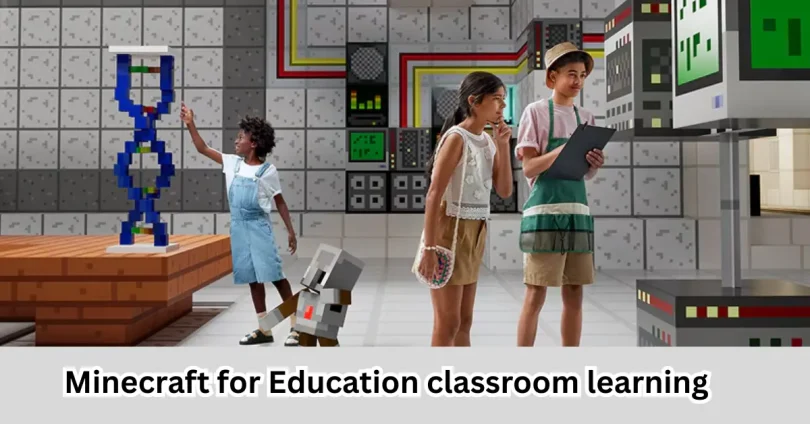

Minecraft for Education is a special educational version of Minecraft designed to make learning more interactive, creative, and engaging. Unlike the standard game, it includes classroom tools, lesson templates, coding activities, and collaboration features that help teachers teach subjects such as mathematics, science, history, geography, language arts, and computer science.
This guide explains what Learning platform by Minecraft is, how it works, its features, benefits, limitations, pricing, classroom applications, and whether it is suitable for Indian schools and students.
What Is Minecraft for Education?
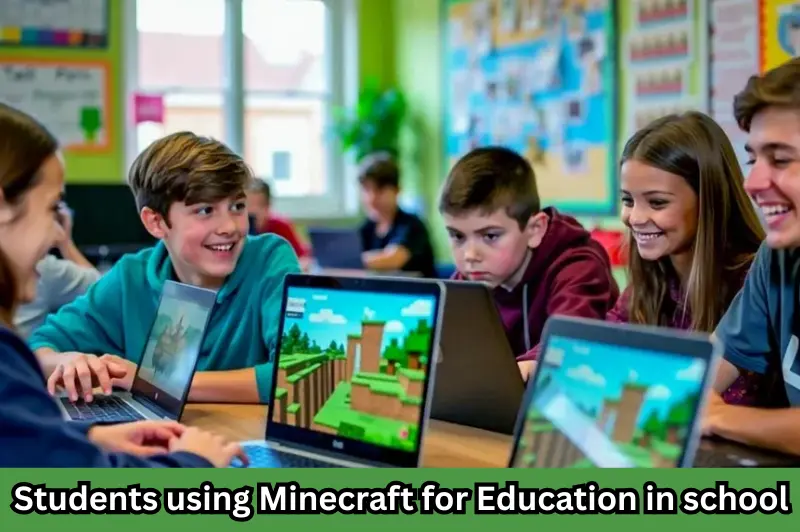
Learning platform by Minecraft is an educational game-based learning platform developed by Microsoft. It allows teachers to create immersive learning experiences where students can solve problems, build projects, collaborate with classmates, and develop real-world skills while exploring virtual worlds.
Instead of simply playing a game, students complete educational activities that support curriculum objectives.
Some common learning areas include:
- Science experiments
- Mathematics concepts
- Coding and programming
- History exploration
- Geography projects
- Language learning
- Environmental studies
- Team collaboration
The platform is used by schools, colleges, libraries, and educational organizations across many countries.
How Does Minecraft for Education Work?
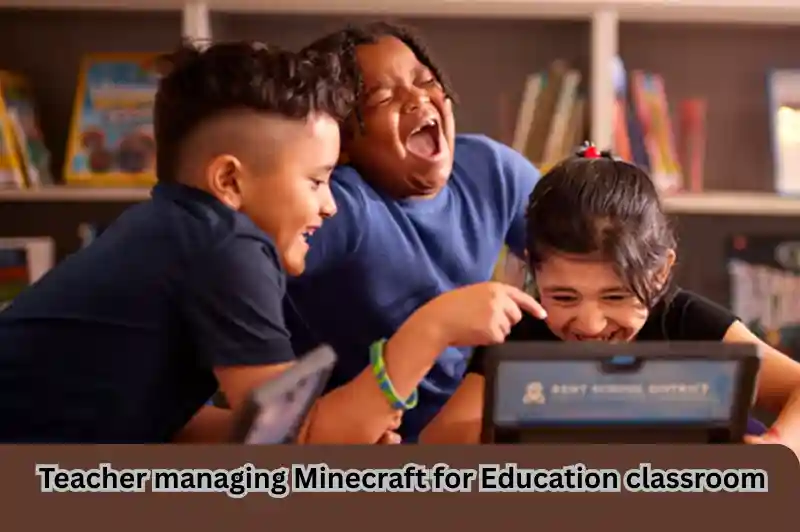
Learning platform by Minecraft transforms traditional lessons into interactive learning experiences.
A teacher creates or selects a lesson world, invites students to join, and assigns activities. Students then complete challenges individually or in groups while the teacher monitors progress.
Typical classroom workflow:
- Teacher selects a lesson.
- Students join the classroom world.
- Learning objectives are explained.
- Students complete activities.
- Teacher evaluates the work.
- Students discuss and present their projects.
This approach combines learning with creativity rather than relying only on textbooks.
Key Features of Minecraft for Education
Learning platform by Minecraft includes several features specifically designed for schools.
Classroom Management
Teachers can:
- Control student permissions
- Freeze gameplay when giving instructions
- Teleport students
- Manage classroom settings
- Monitor participation
Built-In Lesson Library
The platform provides hundreds of ready-made lessons covering subjects such as:
- Mathematics
- Science
- Coding
- History
- Geography
- Art
- Digital citizenship
Coding Support
Students can learn coding using:
- Block-based programming
- JavaScript
- Python integration (supported activities)
Coding becomes easier because students immediately see their programs affect the virtual world.
Collaboration Tools
Students learn teamwork by:
- Building together
- Solving puzzles
- Completing missions
- Sharing ideas
- Presenting projects
Assessment Features
Teachers can evaluate student learning through:
- Portfolios
- Camera tool
- NPC interactions
- Classroom activities
- Project submissions
Benefits of Minecraft for Education
Learning platform by Minecraft offers educational benefits beyond gaming.
Improves Student Engagement
Interactive lessons are often more engaging than passive lectures. Students actively participate instead of only listening.
Encourages Creativity
Students design buildings, cities, ecosystems, machines, and historical monuments using their imagination.
Develops Problem-Solving Skills
Many lessons require students to:
- Analyze situations
- Test ideas
- Fix mistakes
- Work collaboratively
- Think critically
Supports STEM Education
Science, Technology, Engineering, and Mathematics become more practical through simulations and hands-on activities.
Examples include:
- Building bridges
- Creating electrical circuits
- Understanding ecosystems
- Learning geometry
- Exploring chemistry concepts
Builds Digital Skills
Students improve:
- Computer literacy
- Coding
- Collaboration
- Communication
- Creativity
- Digital responsibility
Subjects That Can Be Taught Using Minecraft for Education
Microsoft Minecraft Educationsupports multiple school subjects.
| Subject | Classroom Example |
|---|---|
| Mathematics | Geometry using blocks and measurement |
| Science | Ecosystems, biology, chemistry simulations |
| History | Rebuilding historical monuments |
| Geography | Mapping countries and landscapes |
| English | Storytelling and creative writing |
| Computer Science | Coding games and automation |
| Art | 3D architecture and design |
| Environmental Studies | Sustainable city planning |
Minecraft for Education in Indian Schools
Indian schools are increasingly adopting digital learning tools to make classrooms more interactive.
supports multiple school subjects. can support:
- CBSE learning activities
- ICSE projects
- State board practical learning
- Coding clubs
- STEM education
- Robotics programs
It is particularly useful for schools introducing coding under modern educational initiatives and experiential learning approaches.
Teachers can also create custom lessons aligned with local classroom objectives.
Requirements to Use Minecraft for Education
Before using the platform, schools and students should ensure they have:
- A compatible Windows, Mac, Chromebook, or iPad device
- Internet connection for sign-in and collaboration
- Microsoft Education account or licensed account
- Sufficient system performance for smooth gameplay
Many lessons can also be downloaded for offline classroom use after setup.
Minecraft for Education vs Regular Minecraft
| Feature | Minecraft for Education | Regular Minecraft |
|---|---|---|
| Purpose | Learning | Entertainment |
| Classroom Controls | Yes | No |
| Lesson Library | Yes | No |
| Coding Integration | Yes | Limited |
| Teacher Dashboard | Yes | No |
| Assessment Tools | Yes | No |
| Education Licenses | Yes | No |
For schools and teachers, supports multiple school subjects. is the better choice because it includes dedicated educational features not available in the standard game.
Step-by-Step: How to Start Using Minecraft for Education
Getting started is straightforward.
Step 1
Obtain a valid education license through your school or institution.
Step 2
Install Learning platform by Minecraft on your supported device.
Step 3
Sign in using your Microsoft Education account.
Step 4
Browse the lesson library.
Step 5
Choose a lesson suitable for your students.
Step 6
Invite students into your classroom world.
Step 7
Monitor learning and review student projects.
Practical Classroom Examples
Here are a few practical uses.
Science
Students build food chains, ecosystems, volcanoes, or renewable energy models.
Mathematics
Teachers explain:
- Area
- Perimeter
- Volume
- Coordinates
- Ratios
using Minecraft blocks.
History
Students recreate:
- Ancient civilizations
- Indian monuments
- Historical cities
- Important landmarks
This makes historical learning more visual.
Coding
Students program game characters using block coding or JavaScript to automate tasks and solve challenges.
Tips for Teachers
To make the most of Learning platform by Minecraft
- Start with simple lessons.
- Set clear learning objectives.
- Encourage teamwork.
- Use reflection activities after each session.
- Combine textbook learning with Minecraft projects.
- Monitor student progress regularly.
- Allow creativity while keeping lessons focused.
Common Mistakes to Avoid
Avoid these common issues:
- Using the platform without lesson planning.
- Allowing gameplay without educational goals.
- Ignoring collaboration opportunities.
- Choosing activities that are too difficult for beginners.
- Skipping classroom rules and expectations.
A structured approach produces the best learning outcomes.
Limitations of Minecraft for Education
Although highly useful, Learning platform by Minecraft has some limitations.
- Requires compatible devices.
- Schools need proper licensing.
- Teachers may need initial training.
- Younger students require supervision.
- Internet access is necessary for many collaborative features.
Despite these challenges, many schools find that the educational benefits outweigh the limitations.
If you want to explore more educational technology and digital learning resources, check out our guides on online learning platforms, coding for beginners, and best educational apps for students. These articles will help you build a deeper understanding of modern classroom learning.
For official information, lesson plans, educator resources, and licensing details, visit the official Minecraft Education website.
Frequently Asked Questions
1. Is Minecraft for Education free?
Minecraft for Education generally requires an educational license. Many schools provide access to students through institutional subscriptions, while trial options may also be available for eligible users.
2. Can Indian schools use Minecraft for Education?
Yes. Indian schools can use Learning platform by Minecraft if they have the required Microsoft Education accounts and licenses. It can support classroom teaching, coding education, STEM activities, and project-based learning.
3. Which subjects can be taught using Minecraft for Education?
Teachers can use it for mathematics, science, geography, history, computer science, English, art, environmental studies, and many interdisciplinary projects that encourage creativity and critical thinking.
4. Is Minecraft for Education suitable for beginners?
Yes. Beginners can start with ready-made lessons and guided classroom activities. Teachers can gradually introduce more advanced projects as students become familiar with the platform.
5. Does Minecraft for Education teach coding?
Yes. It supports coding through block-based programming as well as JavaScript and selected Python activities, helping students understand programming concepts in an engaging visual environment.
Conclusion
Minecraft for Education is much more than a classroom game. It is a comprehensive learning platform that combines creativity, collaboration, coding, and critical thinking into one engaging educational experience. For Indian schools, teachers, and students, it offers an effective way to make lessons more interactive while supporting modern educational goals.
If your school is exploring digital learning or project-based education, Learning platform by Minecraft is worth considering. Start with a small classroom project, explore the built-in lesson library, and gradually integrate it into everyday teaching.